
Zetaris supports the following SQL commands to manage users:
• Add users
• Update user passwords
• Describe and show users
• Delete users
Only Admin users can perform user management commands. Run the commands in Workbench > SQL Workspace: enter the command in the editor and click Execute (Ctrl+Enter). The output is shown in the Result tab.
Add User
ADD USER WITH (
email 'someone@zetaris.com',
name 'someone',
level 'general',
password '1234567'
)
The password must meet the following rules:
• At least 1 punctuation character
• Minimum 8 characters
• At least 1 upper case letter
• No spaces
Update Password
RESET USER PASSWORD 'user_id' 'new_password'
Describe User
DESCRIBE USER 'user_id'
The result returns the user's name, email, level, organisation_id, isLdap and orgId.
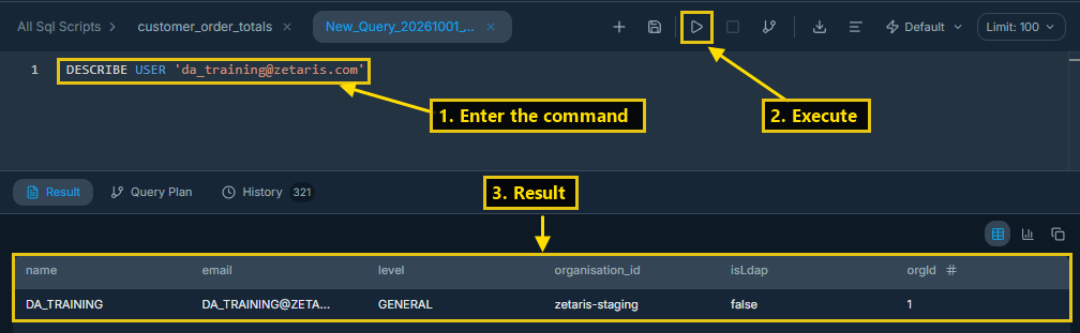
DESCRIBE USER in SQL Workspace
Show users
SHOW USERS
The result lists all users in the organisation with their email, name, level, organisation_name and isLdap.
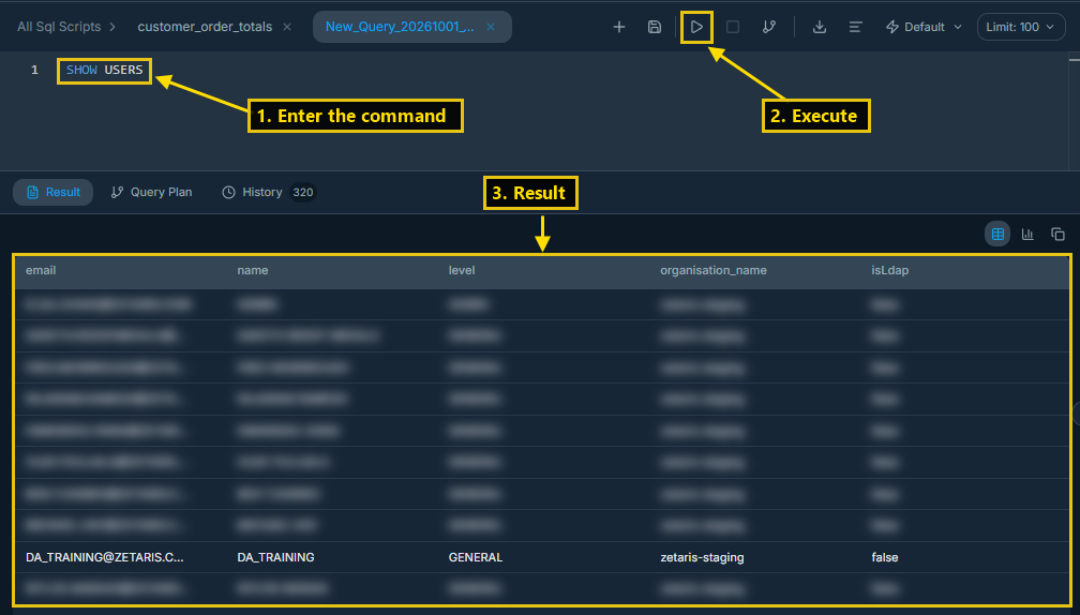
SHOW USERS in SQL Workspace
Delete User
DROP USER 'user_id'